Toolbox
Pen
- Start: Left click
- Pause: Right click or enter
- End: esc
- Close/Unclose: enter
Pencil
- Start: Continuous left drag
- Pause: Release left button
- End: esc
- Close/Unclose: enter
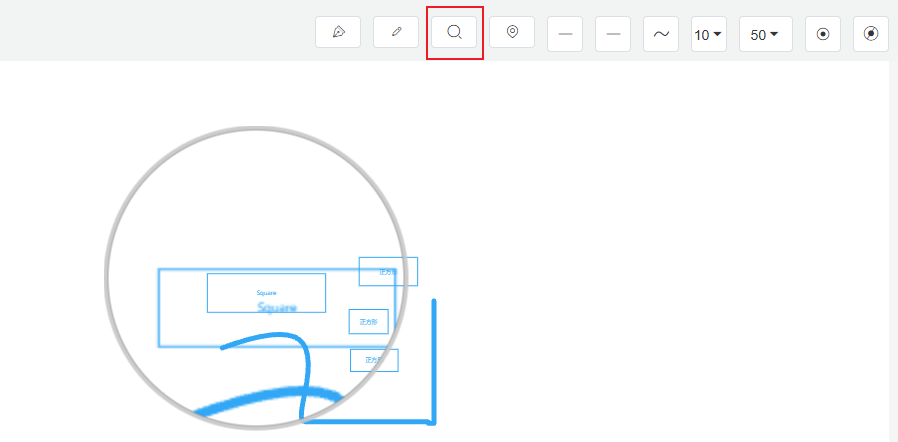
Magnifier
Used to observe details in the image.
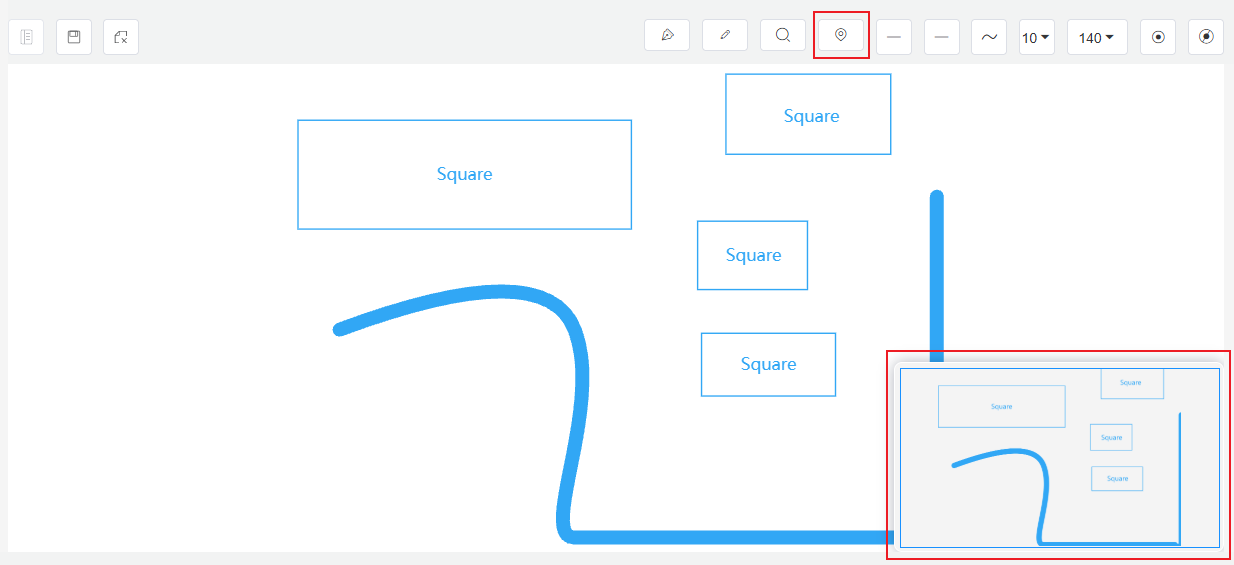
Overview Map (Thumbnail)
The global view of the configuration diagram. Clicking on the overview map allows you to quickly switch the center position on the canvas.